


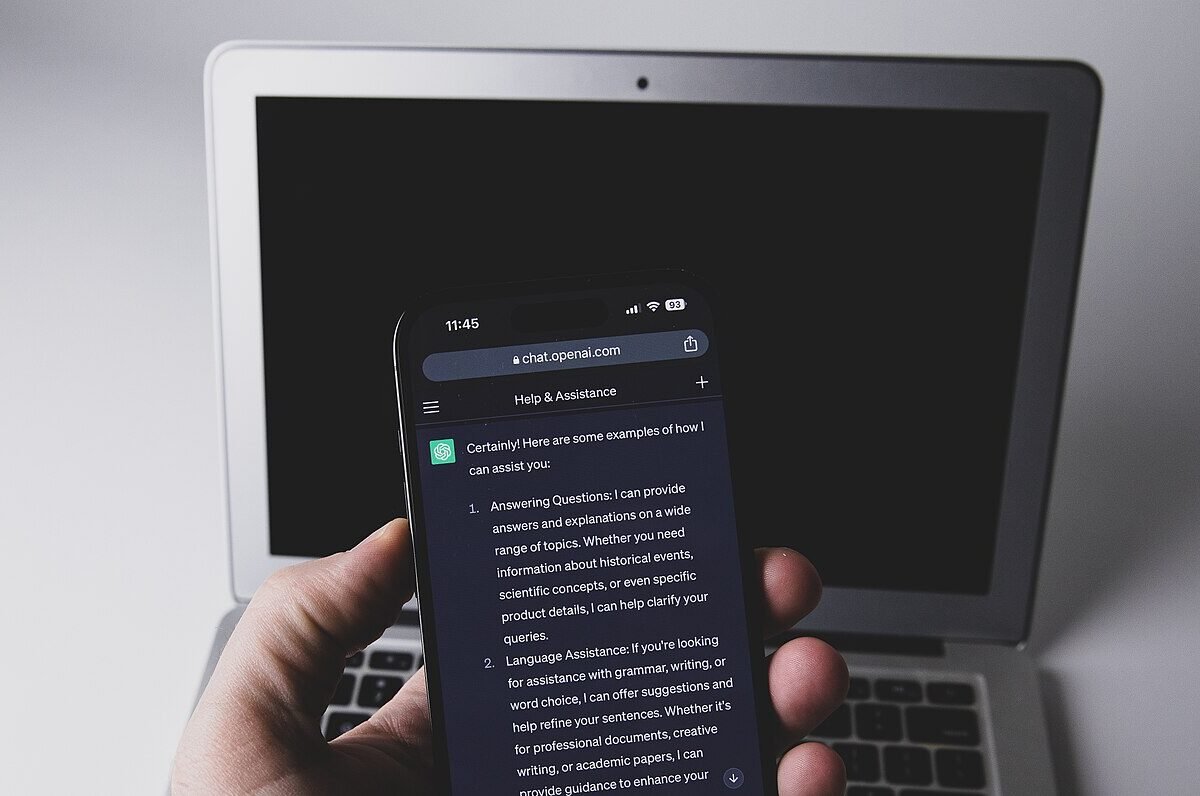
The best AI image generator for most people in 2026 is ChatGPT’s built-in image tool, because it follows detailed instructions and renders text well, and it costs $20 a month with Plus. The best free AI image generator is Google Gemini, with Microsoft Copilot and Canva’s free tier close behind. Pick Midjourney for artistic quality, Adobe Firefly for commercially safe work, and Ideogram for posters and logos with text.
Two years ago you picked an image generator mostly on looks. Now nearly every major tool makes a convincing photo. The differences that matter are price, how many images you actually get each month, whether text in the image comes out spelled right, and what you’re allowed to do with the result. A $10 plan that runs out in a weekend is worse value than a $20 plan you never hit the ceiling on.
We compared nine popular tools on those points, using each company’s pricing page and recent coverage. Prices change often, so treat the figures below as a snapshot.
Key takeaways
- ChatGPT is the best all-rounder for following complex prompts. Free users get a limited number of images; Plus is $20 a month.
- Gemini is the strongest free option, and Google AI Plus ($9.99) and AI Pro ($19.99) raise the limits.
- Midjourney has no free tier. Plans run from $10 to $120 a month, with about 20% off for annual billing.
- Adobe Firefly is the safest pick for client work. Standard is $9.99 a month for 2,000 generative credits.
- Free tiers usually restrict volume, speed, private generations or commercial use. Read the terms before you sell anything.
What is the best AI image generator right now?
An AI image generator is software that turns a written description, called a prompt, into a new image using a model trained on huge sets of pictures and captions. “Best” depends on the job, so here’s the short version by use case.
| Tool | Best for | Free tier | Paid price/month | Key limit |
|---|---|---|---|---|
| ChatGPT (GPT image) | Overall, complex prompts | Yes, limited | $8 Go, $20 Plus | Slower than rivals at peak times |
| Google Gemini (Nano Banana) | Best free, photo edits | Yes | $9.99 AI Plus, $19.99 AI Pro | Daily caps on free use |
| Midjourney | Artistic, stylized images | No | $10–$120 | Public gallery on cheaper plans |
| Adobe Firefly | Commercially safe work | Yes, daily generations | $9.99–$49.99 | Credits run out on heavy use |
| Ideogram | Text, logos, posters | Yes, small weekly allowance | About $15–$20 and up | Free images are public |
| Leonardo.ai | Game and concept art | Yes, 150 tokens/day | From about $12 | Free tier lacks commercial license |
| Canva | Social posts and slides | Yes, small allowance | About $15–$18 Pro | Image quality trails specialists |
| Microsoft Copilot / Designer | Casual free use | Yes | Included in Microsoft 365 plans | Fewer controls |
| Stable Diffusion / Flux (local) | Privacy, unlimited use | Free software | $0 (your hardware) | Needs a capable GPU and setup time |
The best AI image generators, reviewed
-
ChatGPT (OpenAI GPT image): best overall
ChatGPT’s image model lives inside the chat, so you can describe an image, look at it and say “make the sign say Open Late and move the dog left.” It handles multi-step edits and readable text better than most rivals.
Free tier: limited image creation, with tighter caps during busy periods. Paid: Go costs $8 a month in the US (ad-supported), Plus $20, and Pro tiers start at $100. Pros: excellent prompt-following, good text, conversational editing. Cons: generation can be slow, and output has a recognizable “ChatGPT look” unless you push the style. Best for: people who already pay for ChatGPT. We covered its newer tricks in ChatGPT images and animated GIFs.
-
Google Gemini (Nano Banana): best free AI image generator
Gemini’s image model, nicknamed Nano Banana, is fast and especially good at editing photos you upload while keeping faces and objects consistent.
Free tier: yes, with daily limits. Paid: Google AI Plus is $9.99 a month and AI Pro $19.99, with higher limits and access to Flow, Google’s creative studio. Ultra tiers cost much more. Pros: generous free use, strong photo edits, built into Android and Google apps. Cons: limits aren’t always clearly published, and the newest models are reserved for paid tiers. Best for: anyone who wants a free, capable tool today.
-
Midjourney: best for artistic quality
Midjourney still produces the most striking, magazine-ready aesthetics, and it now runs on its own website rather than only Discord.
Free tier: none for the main service. Paid: Basic $10, Standard $30, Pro $60 and Mega $120 a month, with about 20% off annually. Pros: beautiful defaults, strong style controls, active community. Cons: no free option, and images on Basic and Standard are visible in the public gallery unless you pay for Stealth mode on Pro or Mega. Best for: artists, designers and mood boards.
-
Adobe Firefly: best for commercial use
Adobe trained Firefly’s own models on licensed and public-domain content and markets it as safe for commercial work. It also plugs into Photoshop and Express, and offers some partner models.
Free tier: free daily generations. Paid: Standard $9.99 (2,000 credits), Pro $19.99 (4,000 credits) and Pro Plus $49.99 (10,000 credits) a month, with promotional discounts running through early December 2026. Pros: clearer licensing, Photoshop integration. Cons: partner models and video burn credits fast. Best for: marketers and freelancers producing client work.
-
Ideogram: best for text in images
Ideogram made its name on legible typography: posters, T-shirt designs, logos and thumbnails.
Free tier: a small weekly allowance, and free images are public. Paid: Plus runs about $15 a month billed annually (about $20 monthly), with Pro higher, per third-party price trackers. Ideogram has changed its plans several times in 2026, so check its site. Pros: best-in-class lettering. Cons: photorealism trails the leaders. Best for: designers who need words that are spelled right.
-
Leonardo.ai: best for concept and game art
Leonardo, owned by Canva, offers many fine-tuned models and tools like canvas editing and consistent characters.
Free tier: 150 tokens a day, without a commercial license. Paid: Apprentice from about $12 a month. Pros: lots of control for the price. Cons: the token system takes time to learn. Best for: hobbyists and game developers.
-
Canva: best for quick social graphics
Canva’s AI image tools sit inside the design editor, so you can drop an image straight into an Instagram post or a slide.
Free tier: a limited number of AI uses. Paid: Canva Pro is roughly $15 to $18 a month in the US depending on when you subscribed, with a shared pool of AI credits. Pros: fastest path from idea to finished post. Cons: images are fine, not spectacular. Best for: small businesses. See our guide to generative AI for small business.
-
Microsoft Copilot and Designer: easiest free option
Copilot and Microsoft Designer generate images using OpenAI models and are free with a Microsoft account. Paid: higher limits come with Microsoft 365 Personal and Family plans. Pros: free, built into Windows and Edge. Cons: fewer settings, and stricter content filters. Best for: occasional use.
-
Stable Diffusion and Flux (run locally): best for privacy
Open-weight models such as Stable Diffusion and Flux run on your own computer through free apps like ComfyUI. Cost: $0 in software, but you need a graphics card with plenty of video memory. Pros: unlimited images, total privacy, deep customization. Cons: technical setup, and license terms vary by model. Best for: tinkerers and anyone generating at volume. Our explainer on open-source vs closed AI models covers the trade-offs.
How much does an AI image generator cost?
Most people never need to pay more than $10 to $20 a month. Here’s a realistic way to think about it: if you make 20 images a week for a blog or shop, Gemini or Copilot free will probably cover you. If you make 200 a week for clients, a $10 Firefly or Midjourney plan may run dry, and a $20 to $30 tier is the honest budget. Subscriptions you already pay for count too. If you have ChatGPT Plus or Google AI Pro for other work, you’ve already got a top-tier image generator.
Can I use AI images commercially?
Usually yes on paid plans, with caveats. Midjourney, Firefly, Ideogram and Leonardo grant commercial use to paying subscribers, and OpenAI’s terms assign output rights to the user. Free tiers are more restrictive, with Leonardo’s free plan, for example, excluding commercial licensing. Two other limits apply everywhere. You can’t use an AI image to infringe someone’s trademark or likeness, and the US Copyright Office has said purely AI-generated images generally can’t be copyrighted, so a competitor could reuse yours.
How we chose
This is a research-based comparison, not a lab test. We checked each tool’s official pricing and help pages in November 2026, cross-checked prices against recent coverage, and weighed five criteria: image quality, prompt accuracy (including text), free-tier generosity, price per useful image, and licensing clarity. Where a company doesn’t publish a firm number, we say so instead of guessing.
Our take
Don’t buy a dedicated image subscription until a free tier frustrates you. Start with Gemini and ChatGPT’s free allowance, and you’ll quickly learn whether you need more. If you do, the choice is simple. Pay for Midjourney if looks are everything, Firefly if a client or employer will ask where the image came from, and Ideogram if your designs are mostly words. Skip annual plans on tools you haven’t used for at least a month; this market moves too fast to lock in. For the wider landscape, see our roundup of the best AI tools of 2026.
Frequently asked questions
What is the best free AI image generator?
Google Gemini is the best free AI image generator for most people in 2026, thanks to strong quality and generous daily use. Microsoft Copilot and ChatGPT’s free tier are good backups. Local Stable Diffusion or Flux is free and unlimited if you have the hardware.
Is Midjourney free?
No. Midjourney has no free tier for its main service. Plans start at $10 a month for Basic, and annual billing cuts about 20% off.
Which AI image generator is best for text and logos?
Ideogram and ChatGPT are the most reliable at spelling words correctly inside images. For a final logo, use AI for concepts and have a designer redraw it as a vector file.
Can I use AI images commercially?
Generally yes on paid plans of the major tools, but free tiers often restrict it. Purely AI-generated images usually can’t be copyrighted in the US, and you’re still responsible for not infringing trademarks or real people’s likenesses.
Is ChatGPT or Midjourney better for images?
ChatGPT is better at following precise instructions and editing through conversation. Midjourney is better at producing beautiful, stylized images with less effort. Many professionals use both.
Prices checked November 2026. Prices and limits change often, so confirm on each company’s pricing page before you subscribe.
How we checked prices: we used each vendor’s official pricing page where it was available and cross-checked against independent pricing trackers and news coverage. AI tool prices change often, so confirm the current price on the vendor’s site before you subscribe.
Sources: ChatGPT pricing, Google AI plans, Midjourney plans, Adobe Firefly plans, Ideogram pricing, Leonardo.ai pricing, Canva pricing, US Copyright Office on AI.



Community Insights
0 Comments